
2

Is Wikipedia A Good Source For Writers?

July 30, 2009

I’ve gotten some questions over the last couple of weeks about whether or not it is acceptable to use Wikipedia as a source for various posts, articles, or research papers.  Even though the answer likely depends upon your specific writing project and the topic you are writing about, I thought I would post a guide to using Wikipedia as a professional writer.

Guide To Using Wikipedia As A Source For Professional Freelance Writers

Let me start by saying that the debate about whether or not Wikipedia as accurate as Encyclopedia Britannica or other references is moot for the purposes of the freelance writing professional.  A professional writer must adhere to certain standards that are above and beyond what normal writing requires.  This is what sets you apart as a professional.  There are arenas in which using Wikipedia is accepted, and perhaps encouraged.  In other contexts, using Wikipedia is all but forbidden.

Pro Freelance Writer Guidelines for Acceptable Usage of Wikipedia

  • Always Acceptable:
    1. Preliminary Research – Getting a feel for what a topic is about and what the common issues are.
    2. Finding Other Sources – The links at the bottom of Wikipedia entries are great ways to find trusted sources.
    3. Fact Checking – When information you gathered matches the Wikipedia entry that is a good sign.


  • Never Acceptable:
    1. Challenging Trusted Sources – It feels good to stick it to the man, but you’ll need more than a Wikipedia entry to do it.
    2. Modifying a Wikipedia Entry – Don’t change an entry to make it support your point.
    3. Secondary Citing – If the entry mentions a research study or other item, cite it directly.


  • OK For These Types of Writing:
    1. Informal writings
    2. Writings without citations AND without the requirement to be able to cite your source on demand
    3. Commercial writing or copywriting in which the goal is generic information for a non-expert audience
    4. Writing about the debate – If you are writing about the differing viewpoints, citing Wikipedia may be the only way to cite the alternate viewpoint.  Just make sure it is a legitimate alternative and not the ravings of non-credible groups or individuals.


  • Not Acceptable For These Types of Writing:
    1. Peer reviewed Journal articles.  If you are writing one of these, you already know why.
    2. Scientific, medical, or educational writings published in print or in the online version of print publications.
    3. Reviews
    4. Legal documents and filings.  Wikipedia is by nature hearsay.
    5. Technical Writing – Cite the primary material.  The exception is technical writing about something that is not owned or produced by your client.  In this case, primary material is likely not accessible.

Here is the short version.

If you have to cite your source in a footnote, bibliography, or other standard research format, do not cite Wikipedia.

Hopefully this helps.

*************

Technorati Tags: ,,,,,Citing Wikipedia,,Publication Rules,Writing Guides

*************

AP Style Rules Writing Abbreviations and Acronyms

July 28, 2009

One of the questions that frequently seems to come up about AP Style writing rules is how to handle abbreviations and acronyms.  Unfortunately, this is not one of the areas where the Associated Press Stylebook has a clear, hard and fast, rule.

Instead, the AP Stylebook entry for abbreviations says that abbreviations and acronyms can be used if they are common enough to be well known publicly.  In that instance, then the abbreviation or acronym can be used on second reference.  Second reference means the second time the item is used.  The first time an item is used, it would be spelled out fully.

However the AP Style Guide also notes that certain abbreviations or acronyms are common enough to be used on first reference, that is without having been spelled out first.  CIA, and FBI are both examples of this type.  Writings need not spell out Central Intelligence Agency first.

One common mistake is that AP Style does not offer a way to inform a reader of what the appropriate abbreviation or acronym is within the construct of a standard sentence.  That is to say, that AP Style rules do not permit the use of noting the abbreviation in parenthesis or set off by dashes in a sentence following the first reference.

Of course, nothing prevents and author from constructing another sentence or adjusting the original sentence construction to note the acronym or abbreviation.  Technically, however, using the abbreviation later in the work would then violate the original rule about not using abbreviations or acronyms that are not commonplace enough to not need explanation.

Which brings us to the final question.  What abbreviations or acronyms are common enough to be used, either on first or second reference?

The answer to that question, is to look up the specific term or phrase being used.

NATO, for example, is acceptable for use in all references, that is there is no need to spell out North Atlantic Treaty Organization the first time it appears in the piece.

The National Organization for Women (the AP Stylebook makes and additional note that is it not "of" women) is acceptable on second reference meaning that you’ll have to type out National Organization for Women the first time and then you can use NOW each time thereafter.

The most difficult issue arises regarding contemporary abbreviations and acronyms.  New legislation is particularly troublesome, especially because politicians go through so much trouble to deliberately name their legislation so that it can be referred to via a positive sounding acronym.  Military actions are another sticking point.

Because these acronyms are created on the fly, there inclusion in the AP Styleguide is not likely.  In these cases, consider how common the term has become.  Ask yourself would your grandmother, your mother, your sister, and your daughter all know the term?  If so, go right ahead and use it.  Just make sure it’s on second reference, just to be sure.

1

AP Style Writing and the AP Stylebook

July 13, 2009

adventures-writing-ap-style Another in our series of Adventures in AP Style.  There are some AP style rules that you pick up pretty quickly as a writer.  Before long, you can’t really remember if you spell or write something a certain way because it is AP Style, or if it is just grammatically correct.

Today’s case is the phrase "in depth" which many spellcheckers will offer up as either in depth or as in-depth depending upon the program.  Some programs, like Windows Live Writer where I’m writing this post right now, suggest both versions!

As a professional writer, I’ve been typing in-depth for so long that I couldn’t remember why.  Typically, there is no issue, because a publisher or editor will generally change something like that around to whatever they prefer as part of the editing process.  However, this week, I got an email from a client asking me why I used in-depth and whether or not they should switch to it.

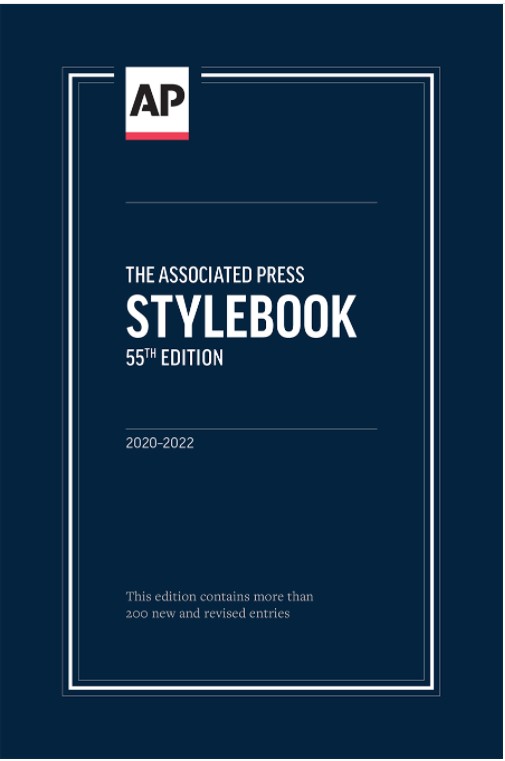
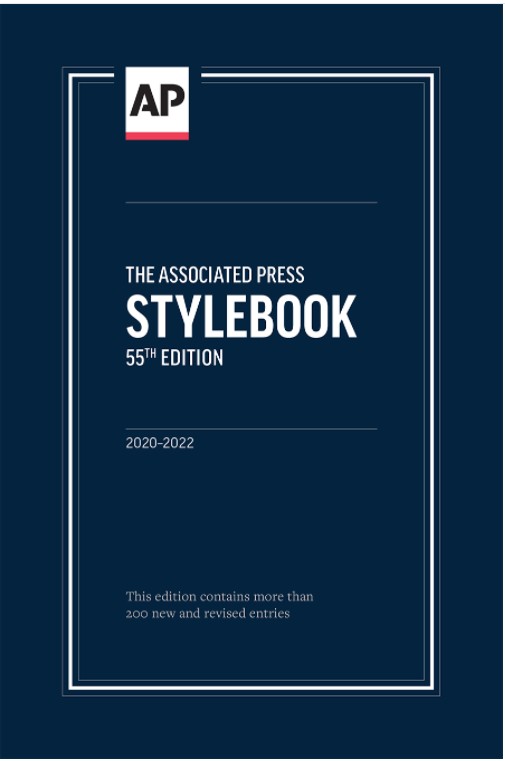
When you get a question like this, you not only want to answer correctly, you want to have an authoritative resource you can cite to back you up.  In this case, I reached for my AP Stylebook because it sits on a shelf less than a foot away (and it’s smaller than the dictionary) and found it right away under the listing for in- as a prefix as one of the occasions that AP Style mandates as always requiring a hyphen.

The rest of the rule, if you are curious, is that in as a prefix does not take a hyphen when it means "not" and in incapable, inconsiderate, or incompetent.

That means that while you are writing your way through the world, assume that there is no need for a hyphen when using a word that has in as a prefix unless that prefix has a meaning other than "not" as in in-depth.

Happy Writing!

  • 0

    Apologies for Multiple Posting

    July 9, 2009

    Sorry about the multiple postings of today’s article. I wrote the post in Windows Live Writer and it gave me an error when I tried to publish it.  I assumed that meant it hadn’t worked, and I kept trying to “fix” it.  Hence the five or six repeats that went out.  Now that I know [...]

  • 0

    Do Frequent Updates Doom Writings to Obsolescence?

    July 9, 2009

    Today’s post comes courtesy of the guy/gal/folks who run PoeWar.com.  If you do enough online reading about writing and freelancing you will eventually come across the PoeWar site. I remember it from my early days, and sure enough, it’s bookmark resides within my oldest links.  Yet, I never really seem to end up at PoeWar [...]

  • 1

    Professional Freelance Writers Only

    July 1, 2009

    When we started the Arctic Llama professional freelance writing blog our missions was clear, to help inform, educate, recommend, and inspire both those who hire freelance writers and those who are, or wish to become freelance writers. Over the last several months, our little blog has drifted off course with all manner of posts regarding [...]

  • 0

    Matt Cutts Exposes SEO Professionals as Hacks

    June 17, 2009

    With one tiny post, Senior Google Engineer Matt Cutts has shown that SEO professionals don’t know anything. Oh, and by the way, search rankings don’t work like you (or those pros) think they do anymore.

  • 1

    WordPress Blog Plug-Ins Updates Needed

    June 11, 2009

    If you manage a lot of WordPress blogs, you might have noticed that TONS of your plug-ins had upgrades waiting today.  Wondering where all of the WordPress plug-in updates came from?  WordPress 2.8 was released, and the best plug-in authors and developers are on it, releasing new versions of their plugins to ensure full compatibility. [...]

  • 0

    WordPress Comments Discussion Settings

    June 8, 2009

    Here is a quick Monday morning tip from your friends here at Arctic Llama. If you are working hard on building a quality WordPress website blog where users can comment on the informative posts you write, you need to make sure you get your comment / discussion settings right on your WordPress dashboard. One blog [...]

  • 0

    Writing, Web Design, WordPress Links v.1.0

    June 7, 2009

    Every once and a while I run across a website that I end up opening link after link in new tabs only to find myself with some ridiculous number of open tabs and Firefox warning me that opening more will make my browser slow. Then, I open Chrome and open more. The point is, that [...]

  • 0

    Being Clever on the Internet

    June 6, 2009

    Thanks to SERPs (Search Engine Result Page) and Google’s reliance on certain methods of ranking webpages there is often limited value to actually being clever on the Internet, at least in so far as your website design is concerned.  Clever multimedia, particularly lowest common denominator oriented videos, of course, is actually valuable thanks to “becoming [...]

Freelance Writing - ArcticLlama» Freelance Writing Business Blog